






%20(1).png?width=150&height=150&name=Square%20150x150%20(2)%20(1).png)
%20(1).png?width=150&height=150&name=Square%20%20(1)%20(1).png)
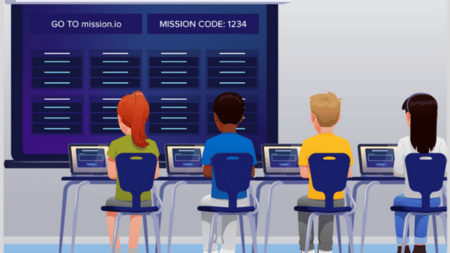
1. Join the Mission
Students gather into their teams, and log in with a simple code on their Chromebook or tablet.
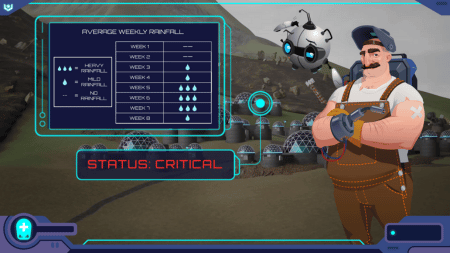
2. Initiate Briefing
The class is dropped into a high-stakes, standards-aligned crisis scenario that sets the stage.
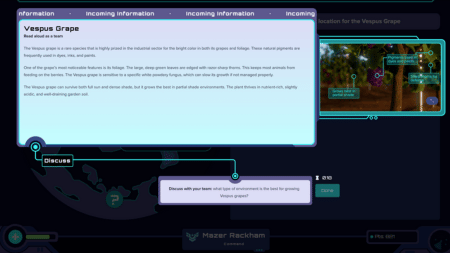
3. Investigate Evidence
Teams analyze charts, data, and first-hand accounts, sharing information to piece together the bigger picture.

4. Take Action
Students either choose the best course of action or design a solution, putting their ideas to the test.

5. See the Story Play Out
The mission responds to their choices. Success, setbacks, or catastrophic failure depend on how well they worked together.
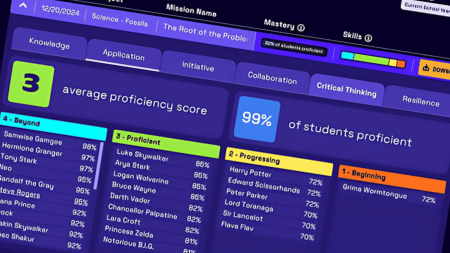
6. Review the Data
Both students and teachers get instant feedback: knowledge checks, collaboration scores, and skill insights.
Test-Drive Mission.io as a Faculty
Before you launch with students, run a mission with your faculty. It’s the perfect way to see the platform in action, spark quality team-building, and get everyone excited about what’s possible in the classroom.

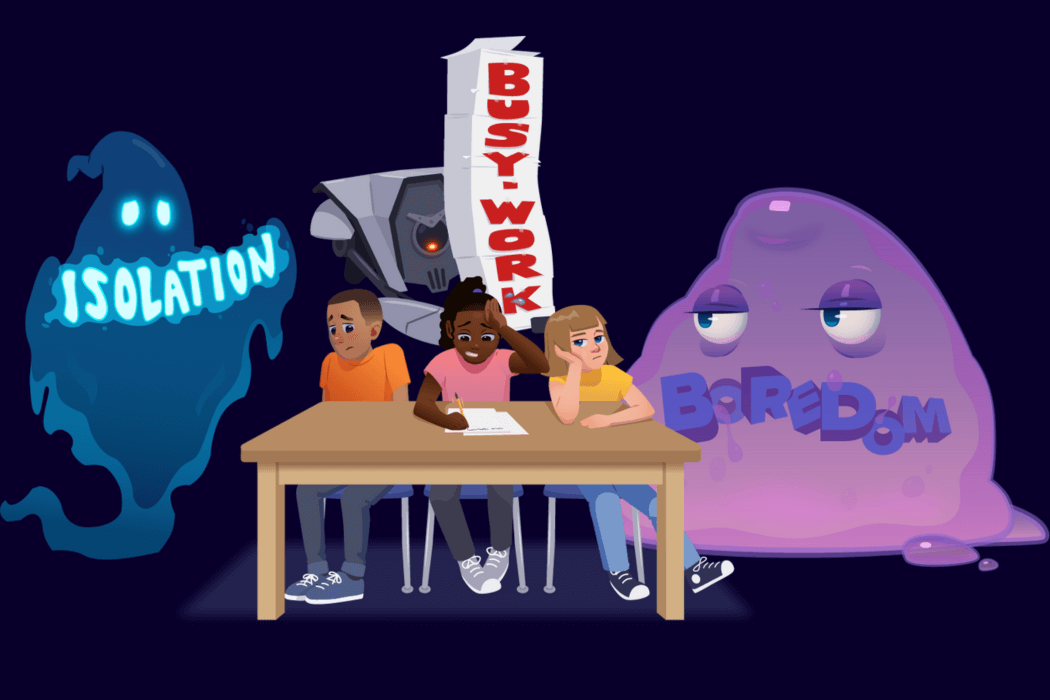
Authentic Collaboration
Thirty kids talking each other through how to save the ship: sharing evidence, defending ideas, building on each other's thinking. Other platforms offer group work. A Mission gives the class one problem none of them can solve alone.
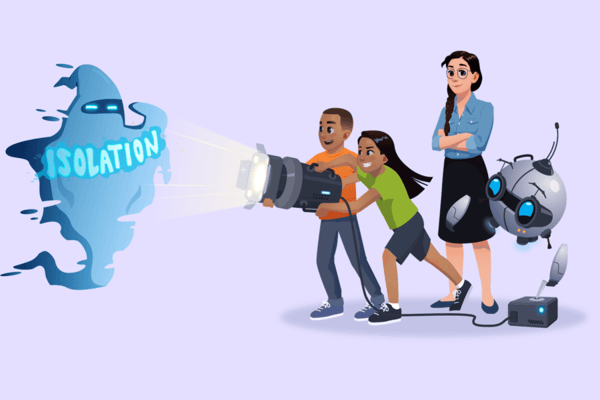
Inquiry and Problem Solving
No textbook hypotheticals. Students analyze real data, debate real tradeoffs, and make a call that changes the story. And because the capabilities a Mission builds are the same ones the test measures, what prepares them for the future also helps them perform better today.
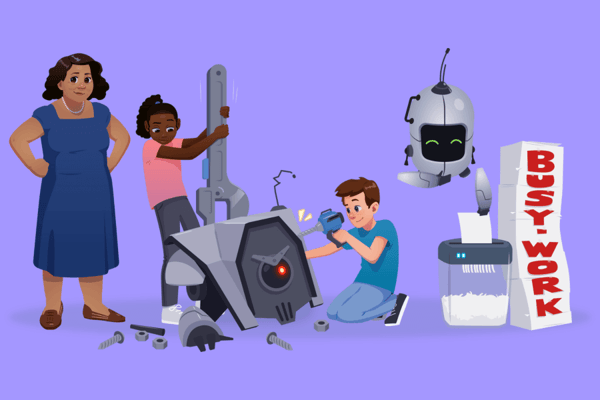
Radical Engagement
Others talk about engagement like it's a spice sprinkled on a bland lesson. For us it's the fuel: fun is how we get kids to let us push them further than they usually let themselves be pushed. It's the kind of classroom experience teachers rate above a field trip, available any day, no bus, no permission slips.